Artificial intelligence has changed the way people create content, edit photos, develop ideas, and write stories. Among the many AI tools available today, ChatGPT has become popular for both creative and practical tasks. From generating detailed instructions to helping users improve their writing, it can be a useful tool for beginners as well as experienced creators.
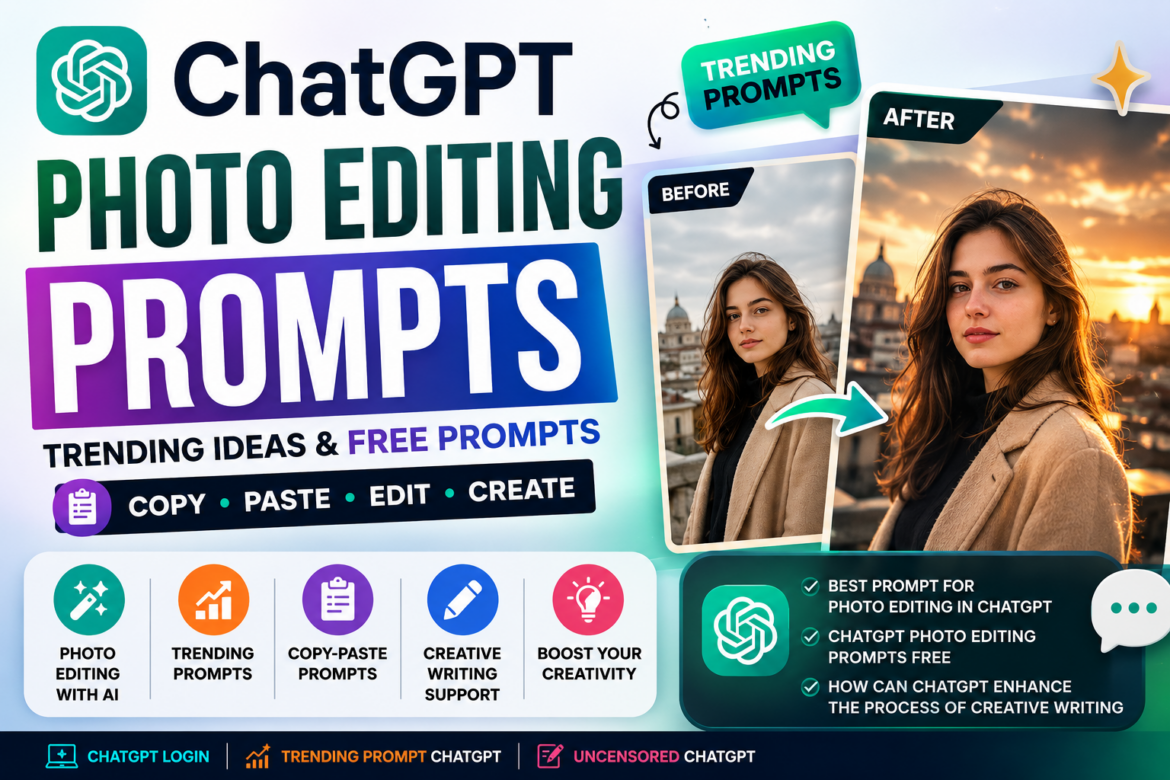
One particularly popular use is ChatGPT photo editing, where users provide an image and describe the changes they want. With the right instructions, AI can help create different visual styles, improve an image, change backgrounds, or transform the overall appearance of a photograph.
This guide explains how to use ChatGPT effectively, explores ChatGPT photo editing prompts free, discusses popular prompt trends, and explains how can ChatGPT enhance the process of creative writing.
What Is ChatGPT?
ChatGPT is an AI assistant that can understand natural-language instructions and generate responses based on the user’s request. People use it for writing, brainstorming, learning, coding, planning, research, and creative projects.
To start using the service, users generally begin with ChatGPT login and then enter their request into the chat interface.
The quality of the result often depends on how clearly the request is written. Instead of simply saying “edit this photo,” you can describe the style, lighting, background, mood, composition, and other details you want.
What Is ChatGPT Photo Editing?
ChatGPT photo editing refers to using ChatGPT’s available image capabilities to make changes to an uploaded image or create a new visual based on detailed instructions.
Depending on the available features, users may request changes such as:
- Removing unwanted objects
- Changing the background
- Improving lighting
- Adjusting colors
- Creating a professional portrait
- Changing clothing or visual styling
- Creating artistic effects
- Turning a photograph into a particular visual style
- Improving the composition
- Creating social media-ready images
The key is to explain exactly what you want rather than relying on a very short instruction.
Example
Instead of:
“Make this photo better.”
Try:
“Improve the lighting and overall clarity while keeping the person’s appearance natural. Use soft studio lighting, a clean background, realistic skin texture, and a professional photography style.”
The second instruction provides much more useful information.
ChatGPT Photo Editing Prompts Free
Many users search for ChatGPT photo editing prompts free because they want ready-to-use ideas without spending time creating prompts from scratch.
Here are some simple examples you can customize.
1. Professional Portrait Prompt
“Edit this photograph into a professional portrait. Keep the person’s facial features and identity natural. Improve lighting, create a clean background, enhance image clarity, and use realistic studio photography.”
2. Cinematic Photo Prompt
“Transform this image into a cinematic photograph with dramatic but realistic lighting, natural skin tones, subtle shadows, a detailed background, and a professional movie-inspired atmosphere.”
3. Travel Photo Prompt
“Enhance this travel photograph with natural colors, improved lighting, realistic details, and a vibrant but authentic outdoor atmosphere. Do not make the image look artificial.”
4. Social Media Photo Prompt
“Optimize this image for a modern social media post. Improve composition, lighting, sharpness, and visual balance while preserving the original subject and keeping the result realistic.”
These examples can be modified according to the image and the desired outcome.
ChatGPT Photo Editing Prompts Trending
Social media trends frequently influence the types of AI prompts people use. ChatGPT photo editing prompts trending may include cinematic portraits, vintage photography, professional profile pictures, fashion transformations, travel aesthetics, and artistic visual effects.
A popular style can change quickly, so instead of copying every viral trend, focus on creating prompts that describe the visual result you actually want.
For example:
“Create a modern editorial-style portrait from this image. Preserve the subject’s natural facial features and proportions. Use soft directional lighting, subtle shadows, realistic colors, and a premium fashion photography aesthetic.”
Trending Prompt ChatGPT Ideas
A trending prompt ChatGPT search may refer to prompts that are currently popular on social media or among AI users.
Some useful categories include:
- Cinematic portrait prompts
- Vintage photo transformations
- Professional headshot prompts
- Travel photography prompts
- Product photography prompts
- Minimalist profile pictures
- Fantasy-inspired scenes
- Magazine-style portraits
- Street photography effects
- Creative background transformations
Rather than simply copying a viral prompt, try combining a popular concept with specific instructions about your desired result.
ChatGPT Trending Prompt: How to Create Better Results
A ChatGPT trending prompt can become more useful when you add specific details.
A good prompt can include:
Subject + Style + Lighting + Background + Composition + Mood + Restrictions
For example:
“Transform this portrait into a cinematic editorial photograph. Keep the subject’s facial features, hairstyle, and natural appearance unchanged. Add soft golden-hour lighting, a slightly blurred urban background, realistic colors, subtle shadows, and a premium photography look. Avoid excessive smoothing or artificial-looking skin.”
This gives the AI a much clearer understanding of your expectations.
Best Prompt for Photo Editing in ChatGPT
There isn’t one universal best prompt for photo editing in ChatGPT because the ideal prompt depends on what you’re trying to achieve.
However, a detailed general-purpose template can be useful:
“Edit the uploaded image according to these instructions: [describe the change]. Preserve the subject’s identity, natural proportions, facial features, and realistic appearance. Improve lighting and image quality where appropriate. Use [desired style] with [desired background], [lighting style], and [color mood]. Keep the final result realistic and clean. Do not introduce unnecessary changes to the subject.”
You can replace the sections in brackets with your own requirements.
ChatGPT Prompt Copy Paste: Is It Useful?
Searching for ChatGPT prompt copy paste examples can save time, especially when you’re new to AI tools.
However, copy-pasting a generic prompt isn’t always enough. The same prompt may produce different results depending on the image and the specific task.
For better results, personalize the prompt by adding:
- What should be changed
- What should remain unchanged
- Desired visual style
- Lighting
- Background
- Image orientation
- Level of realism
- Things the AI should avoid
This approach is usually more effective than repeatedly searching for a new viral prompt.
What About Uncensored ChatGPT?
The term uncensored ChatGPT is sometimes used online to describe AI systems or modified services that claim to remove normal AI restrictions.
Users should be cautious about unofficial websites, modified applications, or services making such claims. They may have privacy, security, reliability, or account-related risks.
For photo editing and creative work, you generally don’t need an “uncensored” version. A well-written prompt can help you get creative results while staying within the normal capabilities and safety guidelines of the AI service you’re using.
How Can ChatGPT Enhance the Process of Creative Writing?
Another important use of ChatGPT is writing. So, how can ChatGPT enhance the process of creative writing?
It can support writers at different stages of the creative process without necessarily replacing the writer’s own ideas.
1. Brainstorming Ideas
If you have a basic concept but don’t know where to take it, ChatGPT can suggest:
- Story concepts
- Character ideas
- Plot possibilities
- Conflict ideas
- Different endings
- Article topics
2. Creating Story Outlines
Instead of beginning with a blank page, you can ask ChatGPT to organize your ideas into an outline.
For example:
“Create a five-part story outline about a young traveler who discovers an abandoned mountain village.”
You can then modify the outline according to your own creative direction.
3. Improving Descriptions
Writers can use ChatGPT to make descriptions more vivid and engaging.
For example, you can provide a basic paragraph and ask for suggestions to improve its imagery, pacing, or emotional impact.
4. Exploring Different Writing Styles
ChatGPT can help experiment with different tones, such as:
- Friendly
- Professional
- Dramatic
- Conversational
- Humorous
- Suspenseful
- Inspirational
5. Editing and Refining
After writing a draft, you can use AI to identify repetitive sentences, unclear sections, grammatical problems, or awkward transitions.
However, writers should review the final output themselves. AI-generated writing can sometimes sound repetitive or generic if it isn’t carefully edited.
Tips for Getting Better Results From ChatGPT
Whether you’re using ChatGPT for photography prompts or writing, these simple practices can improve your results.
Be Specific
Avoid vague instructions. Explain exactly what you want.
Provide Context
Tell ChatGPT who the audience is, what you’re creating, and what the desired outcome should be.
Mention What Should Not Change
For image editing, clearly state which elements should remain untouched.
Experiment With Prompts
Your first prompt doesn’t have to be perfect. Add or remove instructions based on the result.
Don’t Follow Every Viral Trend
A prompt being popular doesn’t necessarily mean it is suitable for your project. Choose prompts according to your objective.
Final Thoughts
ChatGPT has become a useful creative assistant for both visual and written projects. With detailed ChatGPT photo editing prompts free, users can experiment with portraits, travel images, cinematic styles, professional photography, and social media visuals.
At the same time, trending prompt ChatGPT searches can provide inspiration for new creative ideas, while customized ChatGPT prompt copy paste templates can help beginners get started quickly.
For writers, ChatGPT can assist with brainstorming, outlining, editing, and developing ideas. Understanding how can ChatGPT enhance the process of creative writing is therefore just as important as learning how to create effective image prompts.
The most important lesson is simple: a better prompt usually starts with a clearer goal. Instead of blindly copying a viral prompt, describe what you want, explain what should remain unchanged, and refine the instructions until the result matches your vision.